As explained in Initializing CSP DB Appliance, when you first log in to the user interface, you will be prompted to change the default password of the secroot user. See below for instructions on how to change this password later.
On a PKI DB Appliance node cluster, the password update performed on a node is propagated to the rest of the nodes.
To replace the PKI DB Appliance password
Open a web browser in the URL obtained when Running PKI DB Appliance.
Do not omit the "https" prefix of the URL.
- Navigate to CLUSTER > Servers.
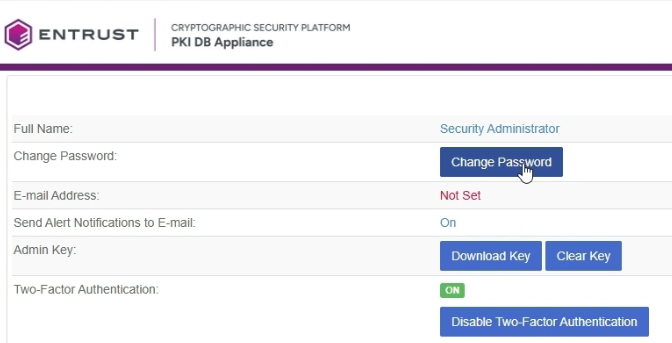
- Click Change Password.
- Fill in the fields in the Change Password dialog.
- Click Update Password.
- The user interface will log you out. Use the new password to re-login.
- Run the clusterctl database set appliance command to update the
secrootuser password in PKI Hub.