See below for browsing session logs.
To browse session logs
Open the following URL in a Web browser.
https://<machine>:8443/management-consoleWhere
<machine>is the IP address or domain name of the machine hosting PKI Hub.This release changes the URL port to 8443. Update your bookmarks accordingly.
- Log in to the Management Console as a user with a role granting user management permissions.
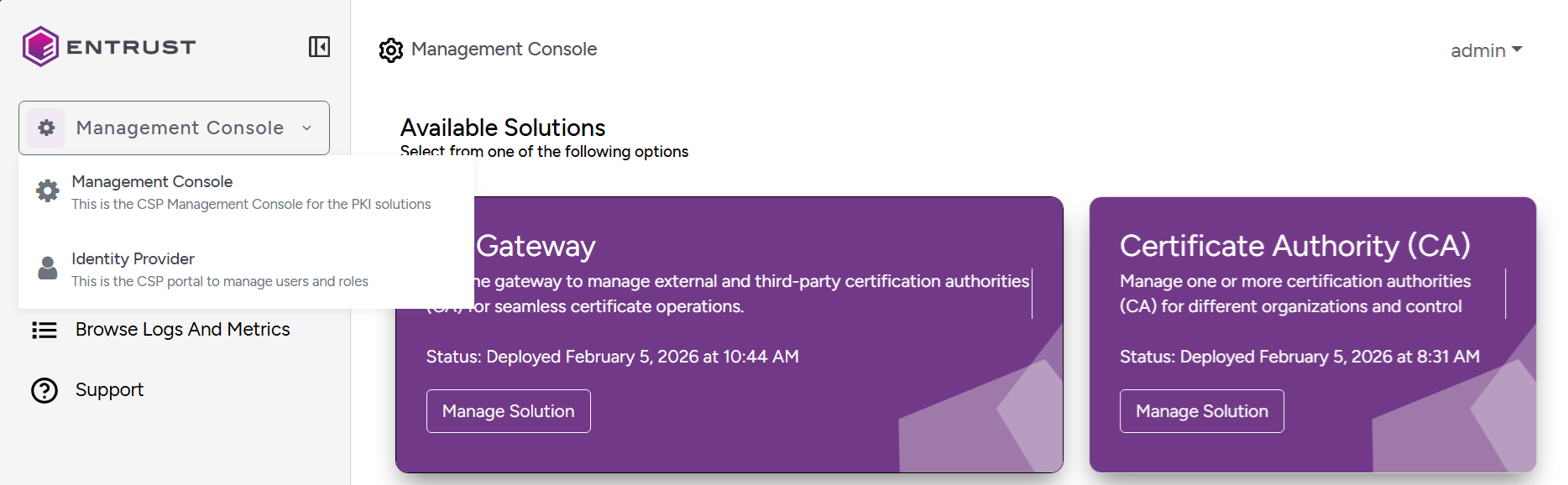
Select Management Console > Identity Provider in the sidebar.
- Click Sessions in the sidebar of the user management console.
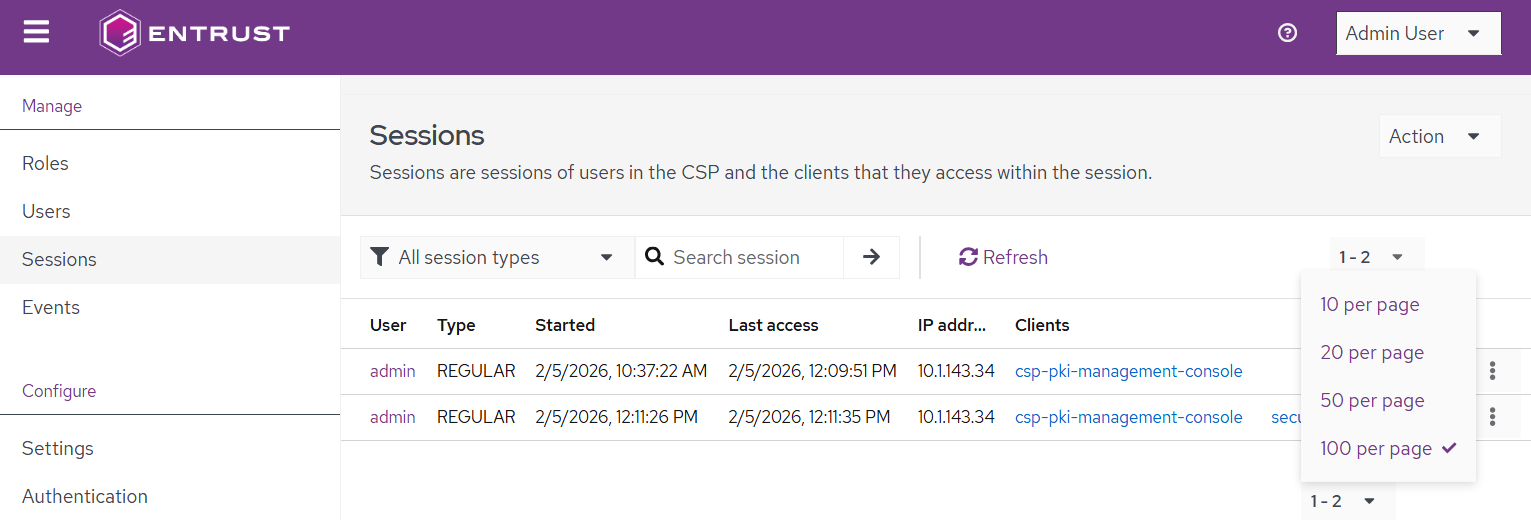
- Browse the following settings for each user session.
- Click the three dots for a session and select Sign out to terminate it.
User
The user login name.
Type
The session type.
Type | Description |
|---|---|
REGULAR | The sessions was created using a standard access token |
OFFLINE | The session is tied to an offline token |
Started
The session start date and time.
Last access
The time and date of the last user activity during the session.
IP address
The IP address of the console.
Client
The client application that accessed the console.