See below for issuing certificates for key pairs generated on the client side.
To issue certificates from the Certificate Authority console
Open the following URL in a Web browser.
https://<hostname>/v2/Where
<hostname>is the IP address or domain name selected in General.- Log in to the Management Console as the user described in Creating partition administrators.
- If the user administers more than one partition, select the partition on which to manage certificate authorities and certificates.
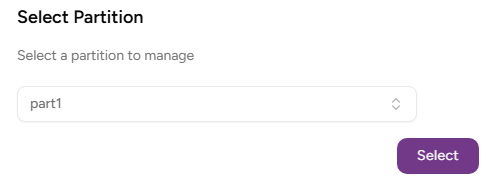
- Click Select.
Click Certificate Authorities on the sidebar.
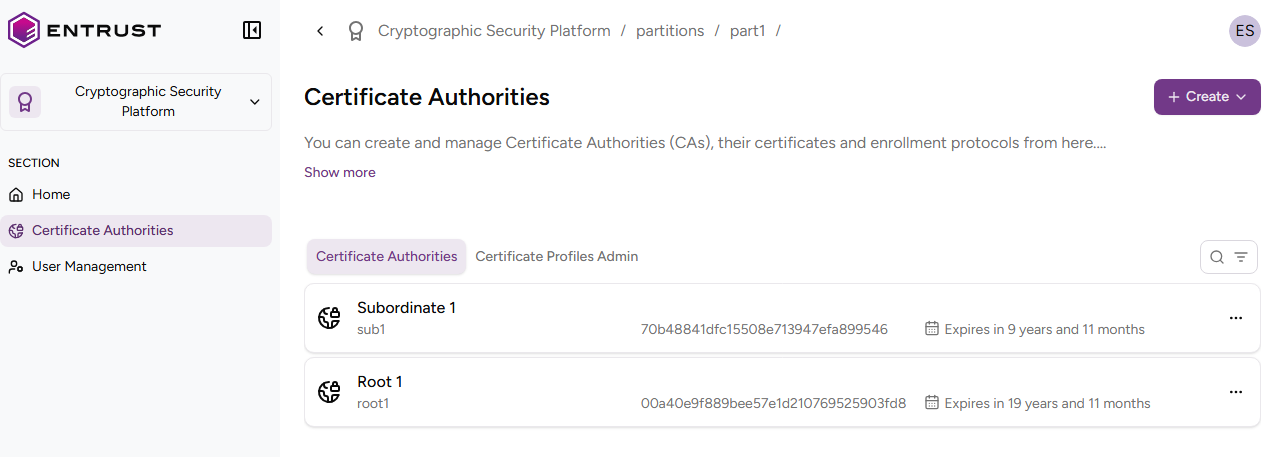
- In the certificate authorities grid, click the name of a certificate authority.
- Click Issue certificate.
- Configure the following settings.
- Click Create.
Certificate Type
Select Client-side Generated Key Certificate (X.509 cert).
Mandatory: Yes.
Certificate Profile
The certificate profile for issuing the certificate.
This list only displays profiles configured in the issuing certificate authority.
Mandatory: Yes.
Certificate Signing Request (CSR)
The PEM or Base64 encoding of a CSR (Certificate Signing Request).
Mandatory: Yes.
Use subject from CSR
Enable this field to use the subject included in the certificate request as the subject of the issued certificate.
Subject DN Attributes
Select the required Distinguished Name (DN) attributes.
You must enter at least the CN attribute value.
Mandatory: When not enabling the Use subject from CSR field.
Subject Alternative Names
The list of subject alternative names (SAN) for the certificate.
Mandatory: No.