After creating a CA, you can modify the list of certificate profiles the CA supports.
To select the certificate profiles of a certificate authority:
Open the following URL in a Web browser.
https://<hostname>/v2/Where
<hostname>is the IP address or domain name selected in General.- Log in to the Management Console as the user described in Creating partition administrators.
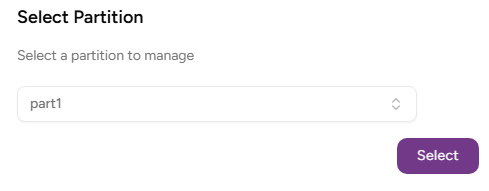
- If the user administers more than one partition, select the partition on which to manage certificate authorities and certificates.
Click Certificate Authorities in the sidebar.
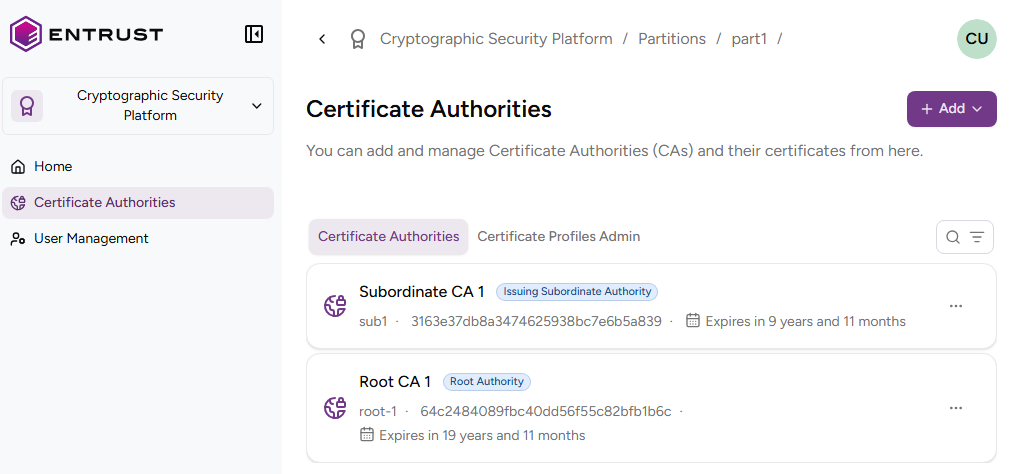
In the Certificate Authorities tab, click the name of the certificate authority.
On the CA details page, select the Certificate Profiles tab to list the certificate profiles supported by the CA.

- Click the three dots "…" in the top-right corner and select Edit Authority Certificate Profiles to select or deselect profiles.