See below to generate a PKI DB Appliance report for technical support.
To generate a PKI DB Appliance report
- Generate a PKCS #12 containing a TLS certificate and a key pair. For example, using the Certificate Authority solution.
Open a web browser in the URL obtained when Running PKI DB Appliance.
Do not omit the "https" prefix of the URL.
- Click Settings in the heading bar.
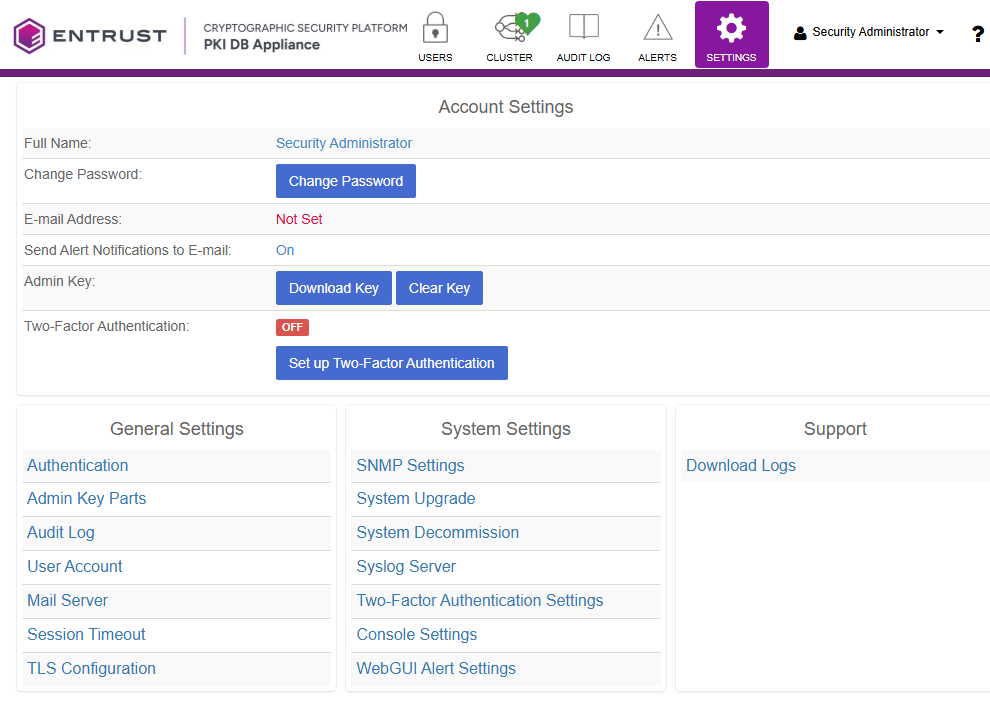
- Click Download Logs under Support.
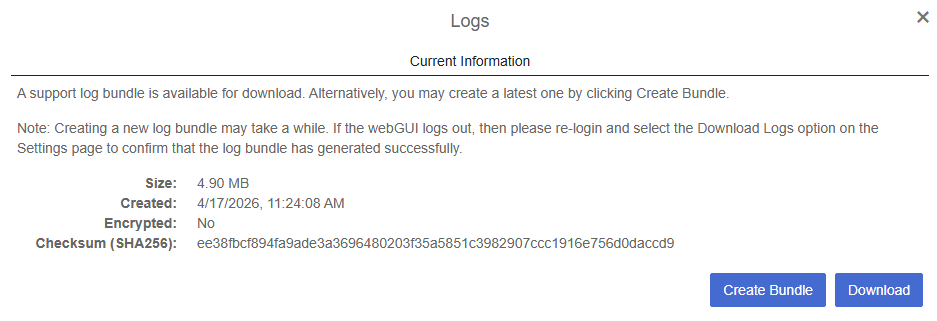
- Click Create Bundle.
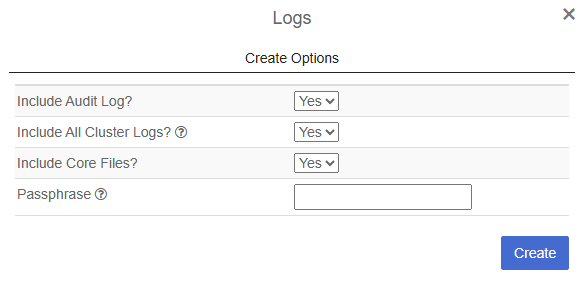
- Select the data to export and, optionally, enter a passphrase to protect the generated file.
- Wait while the report bundle is generated, and click Download on completion.