See below for instructions on backing up Cryptographic Security Platform Database Appliance data for both single-node and cluster installations.
To back up Cryptographic Security Platform Database Appliance
Open a web browser in the URL obtained when Running PKI DB Appliance.
Do not omit the "https" prefix of the URL.
Select Actions > Backup.
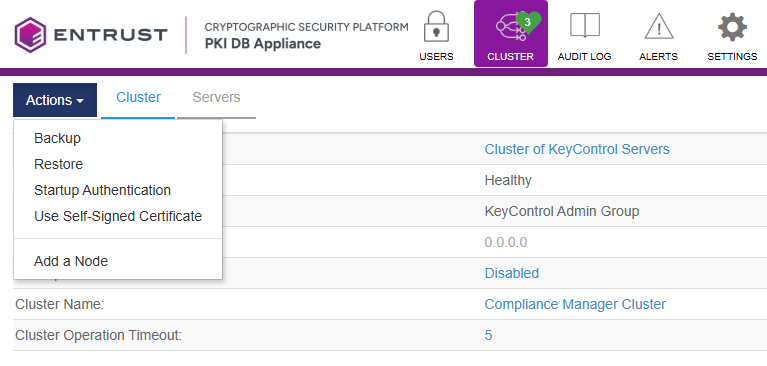
- Click Perform Backup.
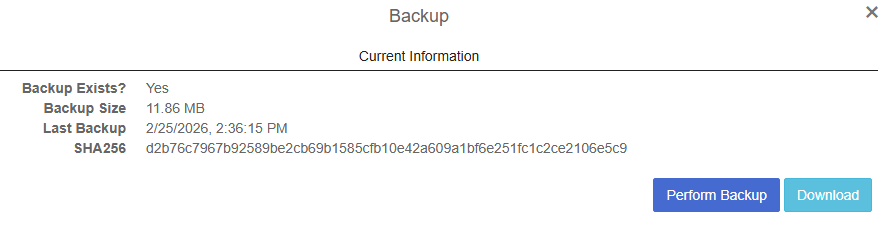
- Wait while the backup file is generated, and then click Download.