When deleting a certificate authority:
All certificates issued for end-entities or other certificate authorities become unusable. Specifically, when deleting a root certificate authority, all its subordinate certificate authorities and all certificates issued by these subordinate certificate authorities become unusable.
You must wait 24 hours before creating a CA with the same identifier. During these 24 hours, your number of active CAs will still include this CA.
See below for deleting a certificate authority.
To delete a certificate authority:
Open the following URL in a Web browser.
https://<hostname>/v2/Where
<hostname>is the IP address or domain name selected in General.- Log in to the Management Console as the user described in Creating partition administrators.
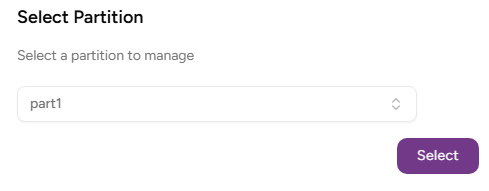
- If the user administers more than one partition, select the partition on which to manage certificate authorities and certificates.
Click Certificate Authorities in the sidebar.
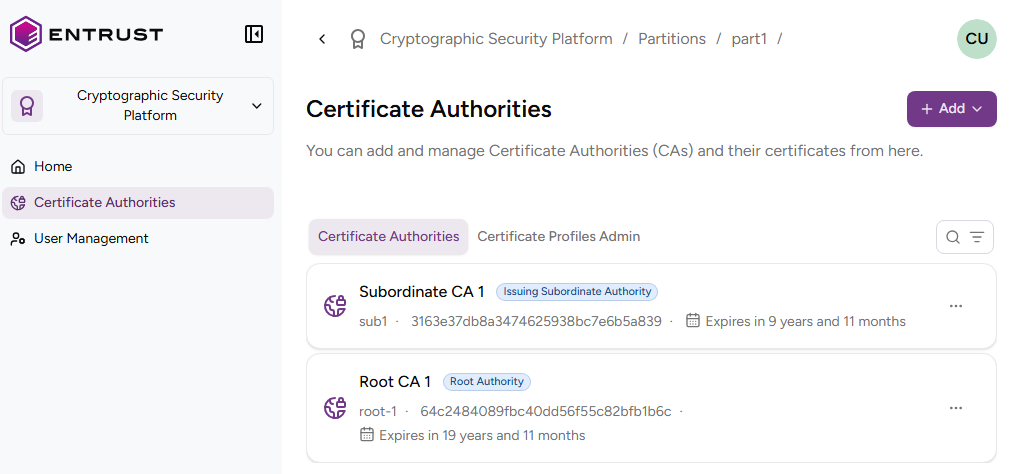
On the CA details page, click the three dots ("…") to the right of the authority name.

- Select Delete Certificate Authority.
- Click Delete in the confirmation dialog.