See below for federating an external LDAP user repository.
To federate an external LDAP user repository
Open the following URL in a Web browser.
https://<machine>:8443/management-consoleWhere
<machine>is the IP address or domain name of the machine hosting PKI Hub.This release changes the URL port to 8443. Update your bookmarks accordingly.
- Log in to the Management Console as a user belonging to a role with identity provider management permissions – for example, the initial
adminadministrator user. - Select Identity providers in the sidebar.
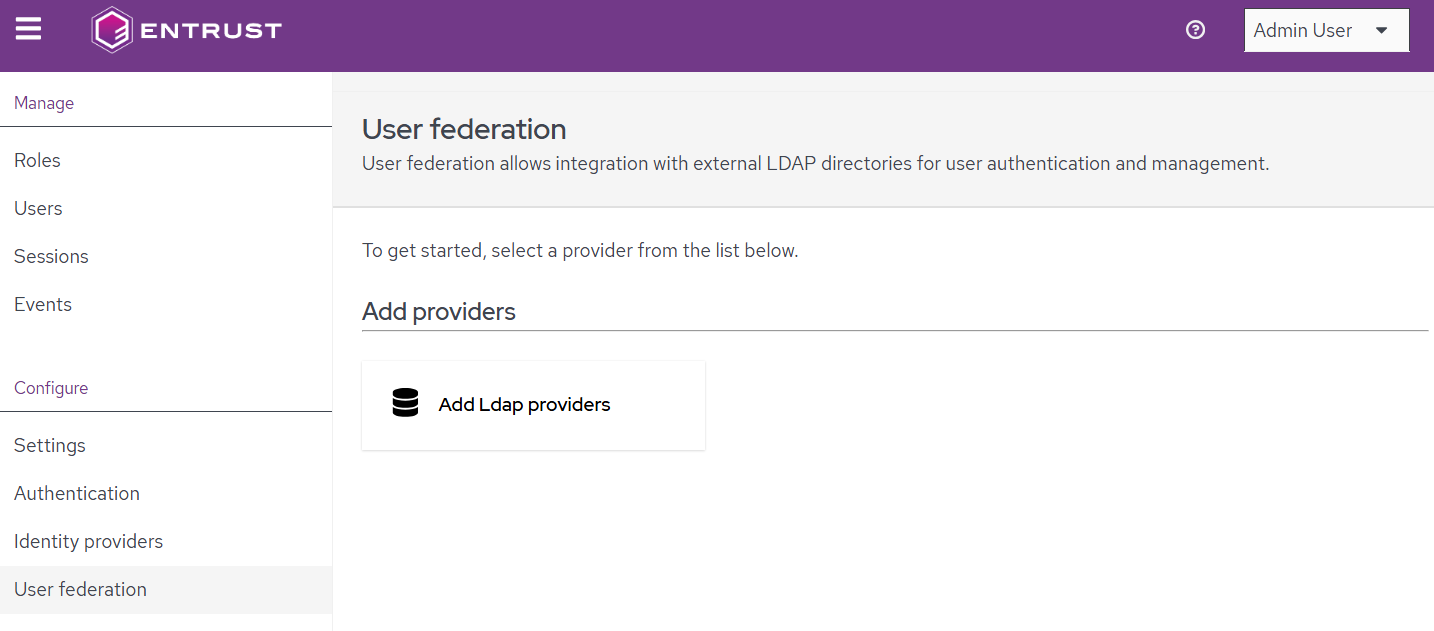
- Click Add LDAP providers.
- Configure the following options.