Follow the steps below to install the Cryptographic Security Platform ISO image as a VMware vSphere virtual machine.
To create a Cryptographic Security Platform virtual machine on VMware vSphere
- Log in to your VMware vSphere portal.
- Right-click on a node of the virtual machine navigation tree.
- Select the New Virtual Machine command to display the machine creation wizard.
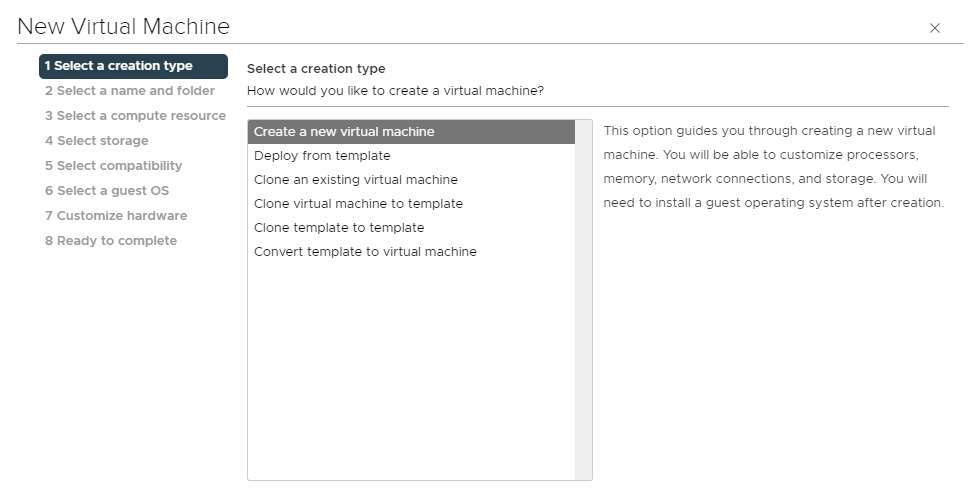
- In each step of this wizard, select the values described below.