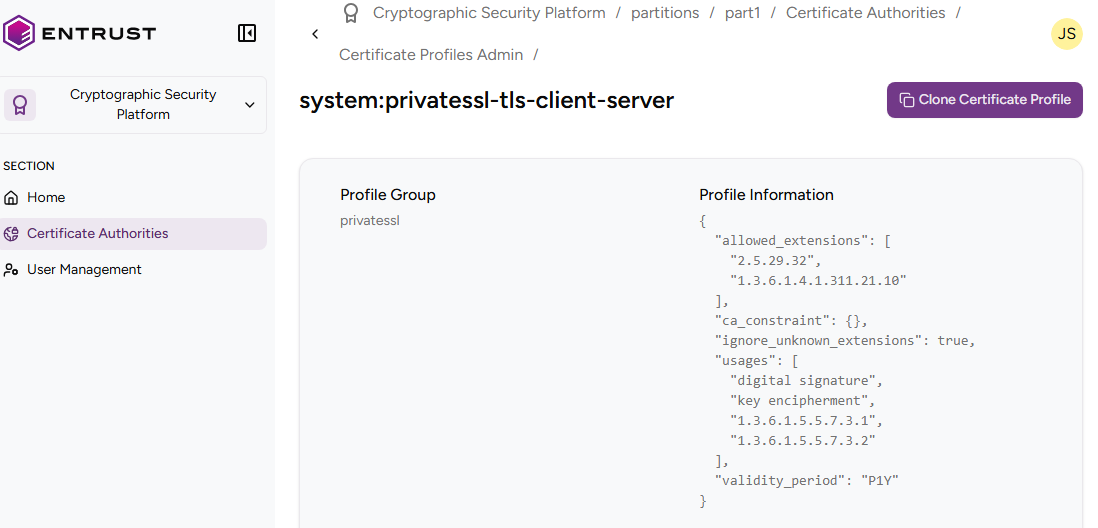
See below for browsing existing certificate profiles.
To browse certificate profiles
Open the following URL in a Web browser.
https://<hostname>/v2/Where
<hostname>is the IP address or domain name selected in General.- Log in to the Management Console as the user described in Creating partition administrators.
- If the user administers more than one partition, select the partition on which to manage certificate authorities and certificates.
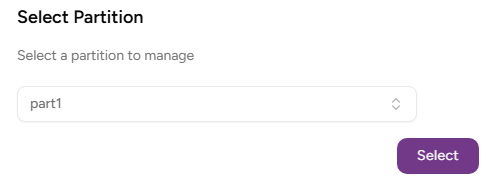
- Click Select.
- Click Certificate Authorities in the sidebar and select the Certificate Profiles Admin tab.
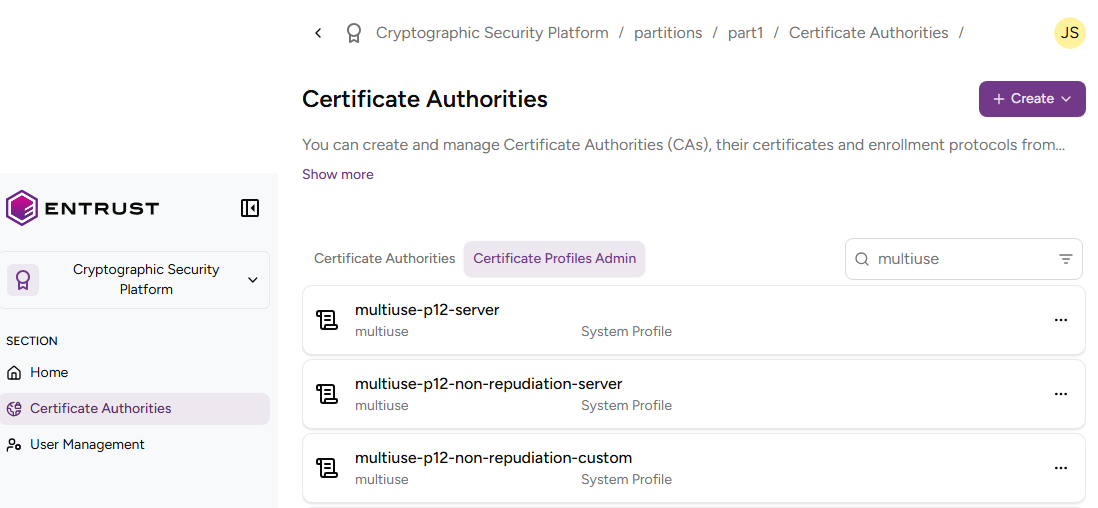
- Browse the list of certificate profiles.
- Click the name of a certificate profile.
Check the certificate profile details described in https://docs.pkiaas.entrust.com/profiles/browse/fields