To check if a GlobalSign profile supports the domains endpoint, navigate to the profile information under Managed SSL.
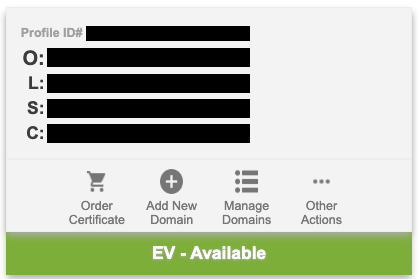
When displayed, the EV - Available message indicates that the profile supports requests to add a domain – for example:
{ "emailVerificationInfo": { "emailAddresses": [ "fake@fake.com" ] }, "name": "mydomain.com", "properties": { "vettingLevel": "EV" }}